
Maintenance Checklist
June 20, 2026 · 2 min read
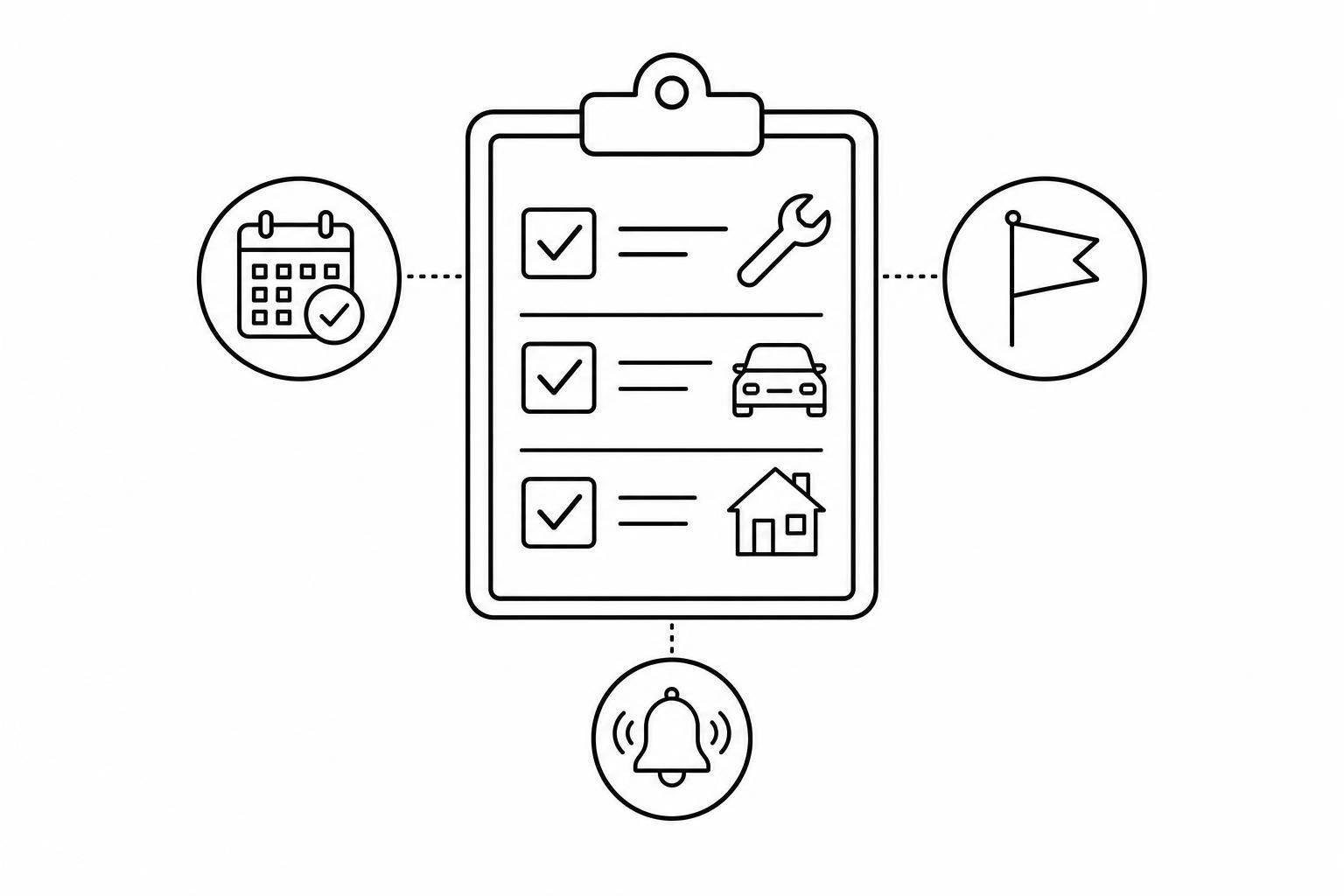
Maintenance Checklist
Stay Ahead of Routine Upkeep
A reliable Maintenance Checklist tool makes recurring work easier to manage, especially when you're juggling equipment, vehicles, buildings, or shared facilities. Instead of scattered notes or mental reminders, you can keep every task in one clear checklist with priorities, due dates, status labels, and notes that actually help during review.
Built for Recurring Maintenance Tasks
Routine service is easy to overlook when deadlines shift or responsibilities are shared. This checklist system helps you group tasks under a single asset or property, then sort them by urgency and due date so nothing important gets buried. Overdue items are clearly flagged, and recurring tasks automatically roll forward to their next due date once completed.
A Simple Way to Track What Matters
Whether you're planning preventive service for machinery or keeping up with property care, a maintenance checklist gives you a practical way to stay organized. You can filter for due soon items, high priority tasks, completed work, or overdue jobs without digging through a long list.
Clear Visibility Without Extra Clutter
This recurring maintenance tracker is designed for day-to-day use inside the page, with a clean focus on checklist creation and task tracking. The result is a smoother workflow, better visibility, and fewer missed maintenance deadlines.